Page updated: November 21, 2026
Max Payne 2: The Fall of Max Payne Widescreen Fix — play Max Payne 2: The Fall of Max Payne in widescreen, the way it should look
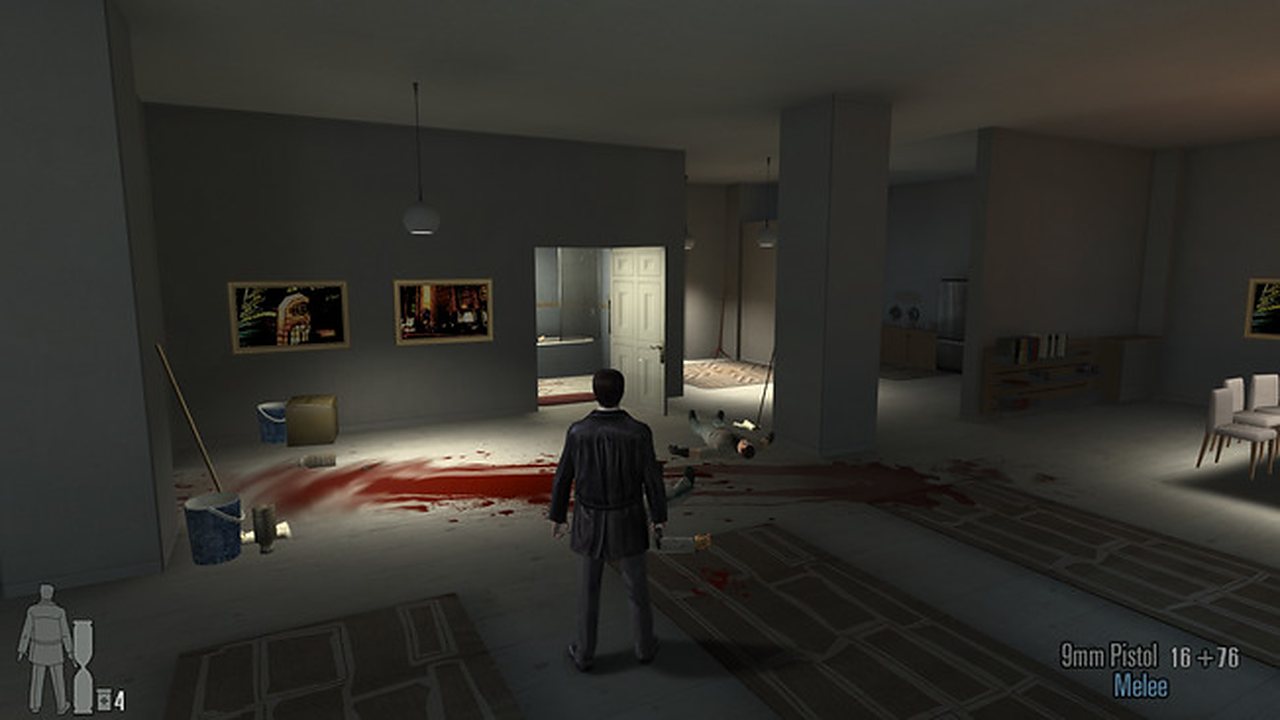
Max Payne 2: The Fall of Max Payne shipped before widescreen monitors were normal: it locks to old 4:3 resolutions, stretches the picture and scales the field of view and the HUD wrong. Max Payne 2: The Fall of Max Payne Widescreen Fix is our drop-in ASI plugin that repairs all of it, from 16:9 and 16:10 to 21:9 and 4K.
Download
| Build | File |
|---|---|
| Windows build | FusionFix.FF.MaxPayne2.WidescreenFix.zip |
What it fixes
- Any resolution from 1280×720 up to 4K, in 16:9, 16:10 and 21:9.
- No more stretched 4:3 image or black bars on the sides.
- Correct field of view, so widescreen does not zoom or crop the picture.
- Menus, subtitles and the HUD scale with the window instead of staying tiny.
- Sits next to Project 2DFX and the Fusion Fix packs for the same game.
Install
- Download your build from the table above and extract the zip anywhere.
- Run
Fusion Fix.exeinside and allow the administrator prompt; the setup fetches the mod and opens it for you. - Copy the files into your Max Payne 2: The Fall of Max Payne folder, next to the game exe. Nothing else to configure.
- Start the game. If SmartScreen warns about unsigned files, choose More info → Run anyway.
More from this series
FAQ
- How do I install the Max Payne 2: The Fall of Max Payne Widescreen Fix?
- Download the pack above, extract it and copy the files into your Max Payne 2: The Fall of Max Payne folder. It is unsigned, so if SmartScreen warns, choose More info → Run anyway.
- Does it support 21:9 ultrawide and 4K?
- Yes — the fix handles 16:9, 16:10 and 21:9 up to 4K. Install it, then pick your resolution in the game's video settings.
- Will it remove the black bars?
- Yes. The bars come from the old 4:3 lock; with the fix the image fills a widescreen display at the correct aspect ratio instead of being stretched.
- Is it free?
- Yes — free and open source, and we publish the source code on GitHub.
Only trust this page. Repacked mod downloads float around forums and file sharing sites. The real build matches what we publish on GitHub.